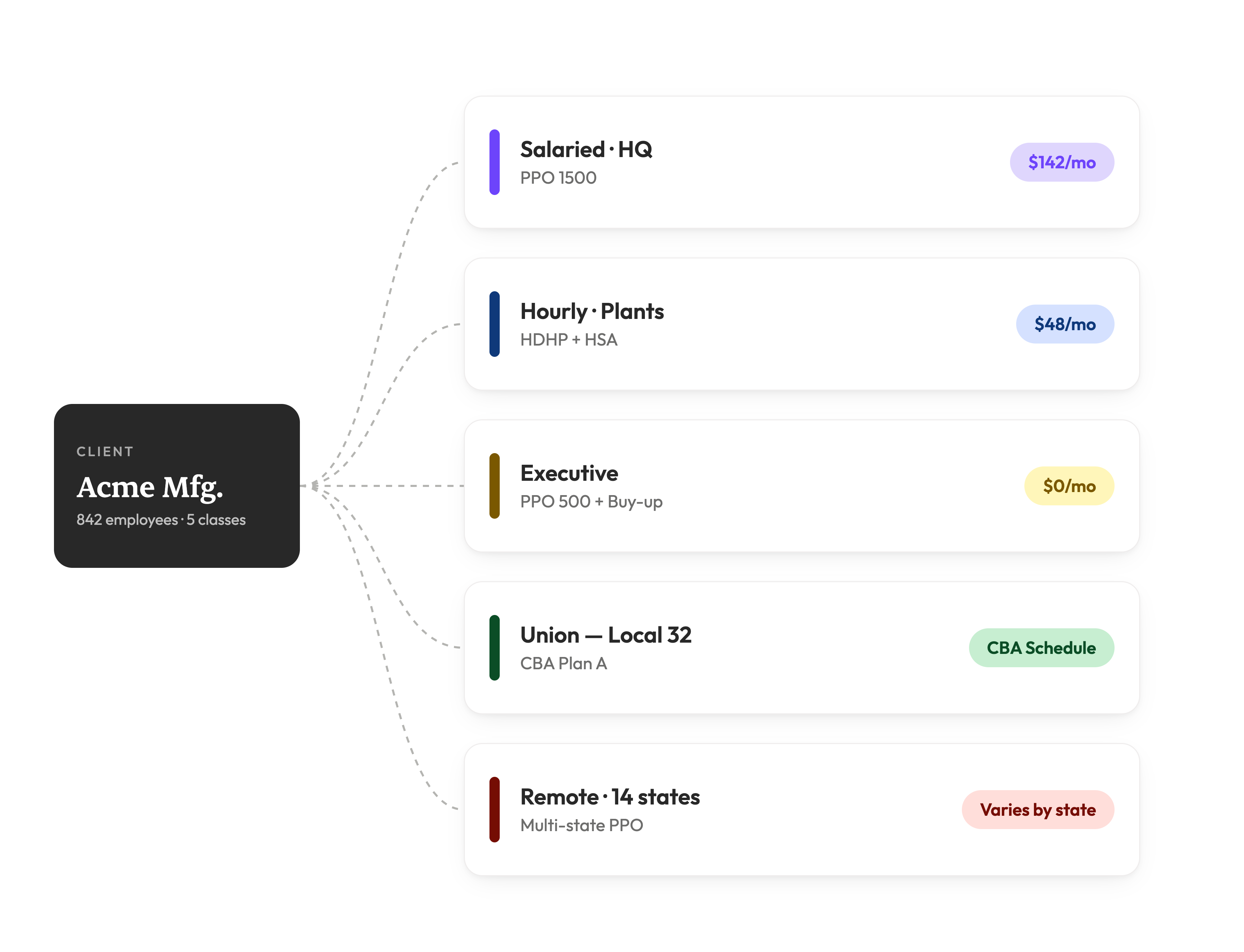
Turn plan documents into a mobile-friendly, page-by-page guide with plan comparisons, decision support and the AI Benefits Assistant built in. Employees open it from one link, with no login or app.
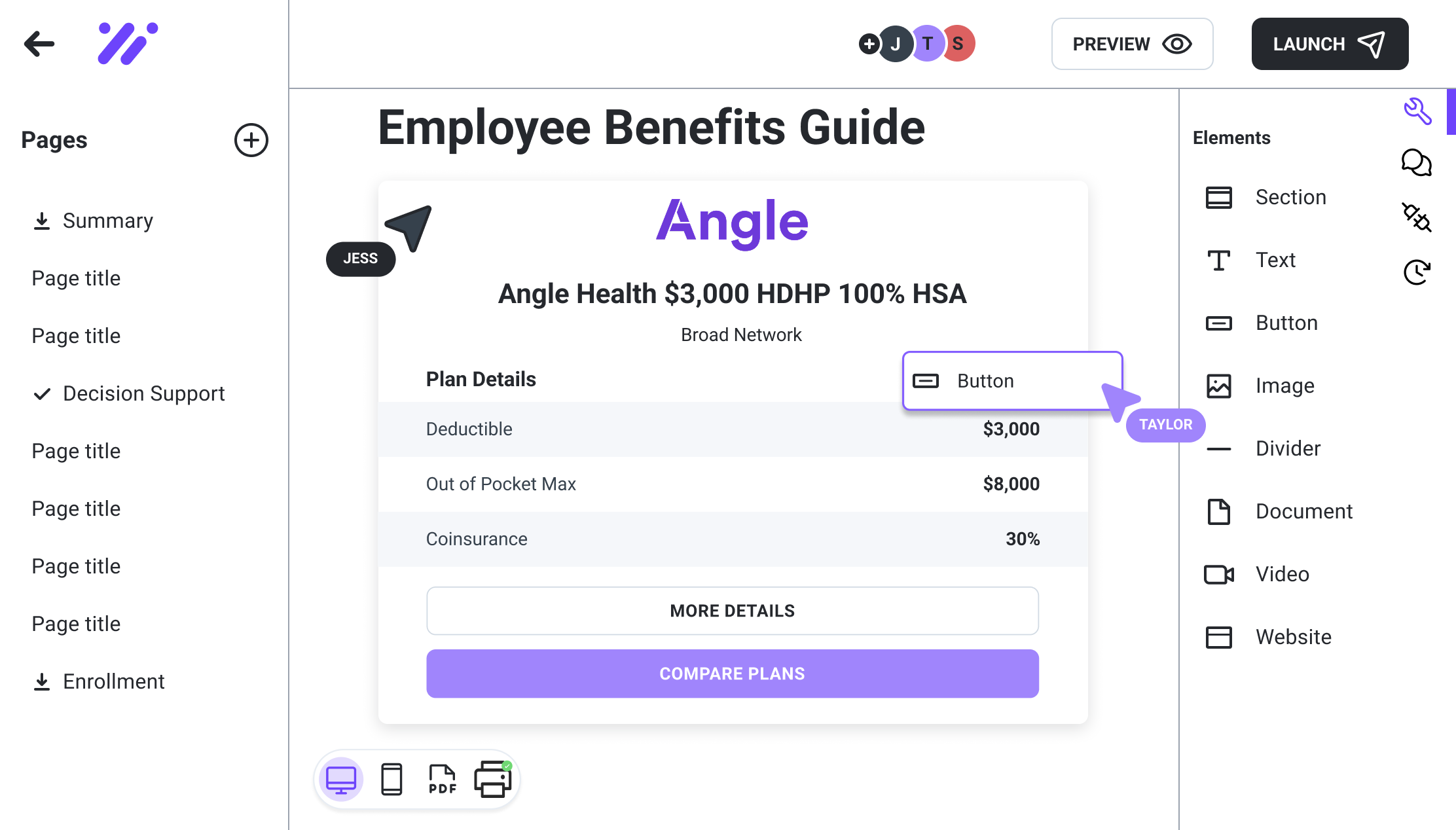
from first build to client sign-off, down from about 20 hours, with 39% better first-pass accuracy
One Brite brokerage
less print volume, saving more than $150,000 in a single year
A 109-client Brite brokerage
Build
Start from a template, import your plan documents and edit by clicking and dragging. No design help needed.
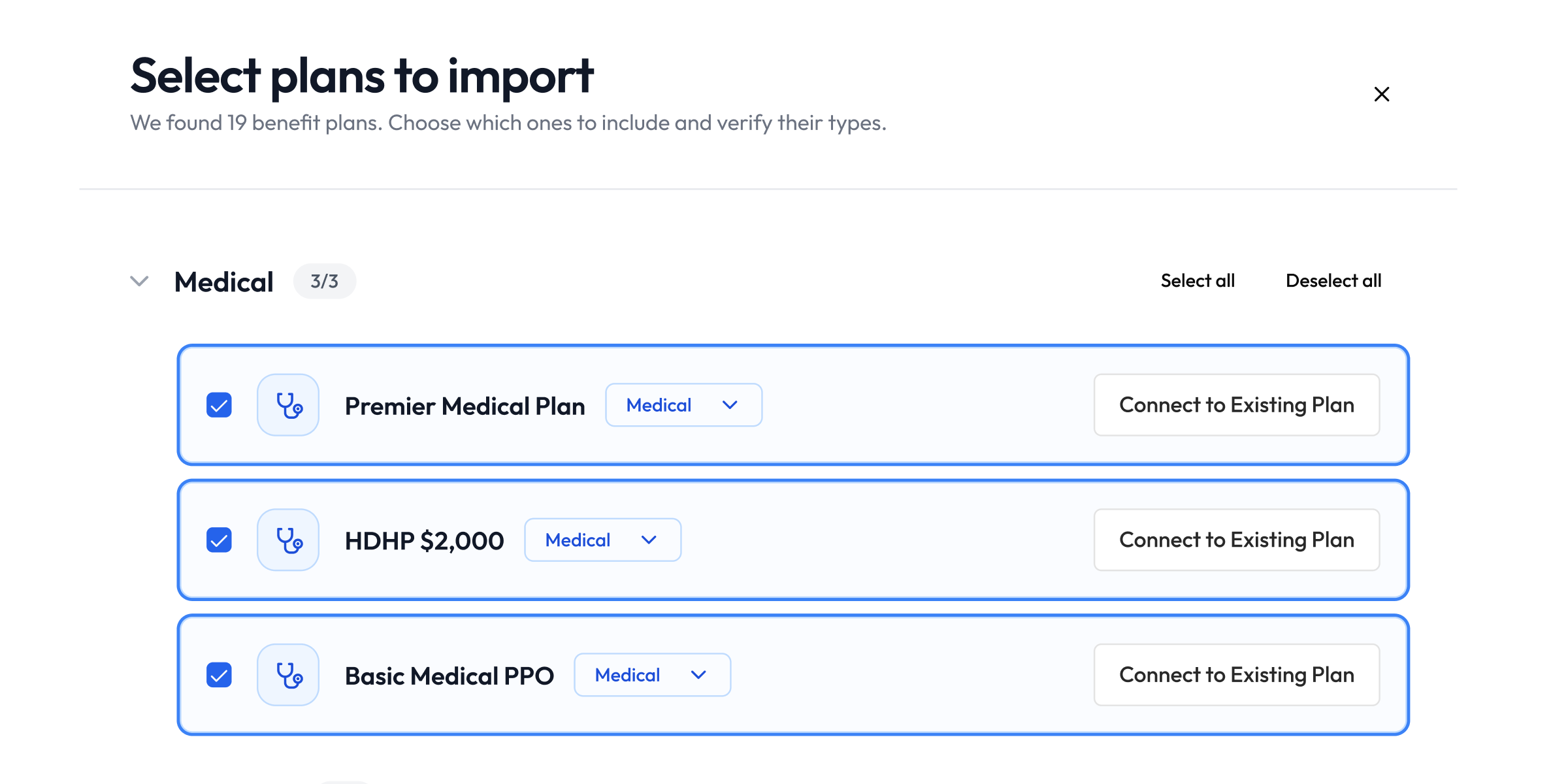
Pull benefits content straight from SBCs and plan documents. No copying and pasting.
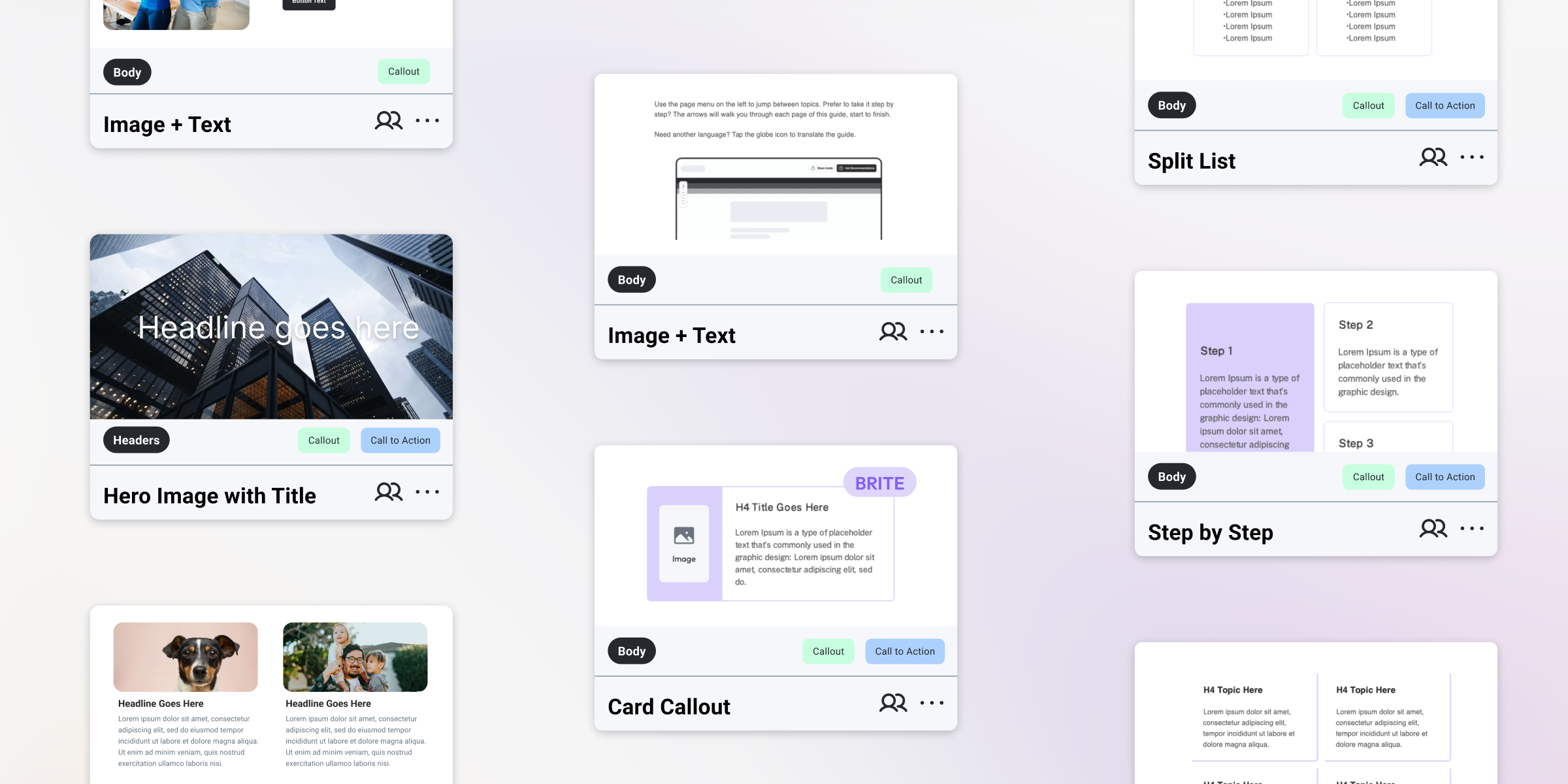
Search a categorized library of page and section templates. Preview before you add, save the sections and pages your team reuses, and drop in several pages at once.
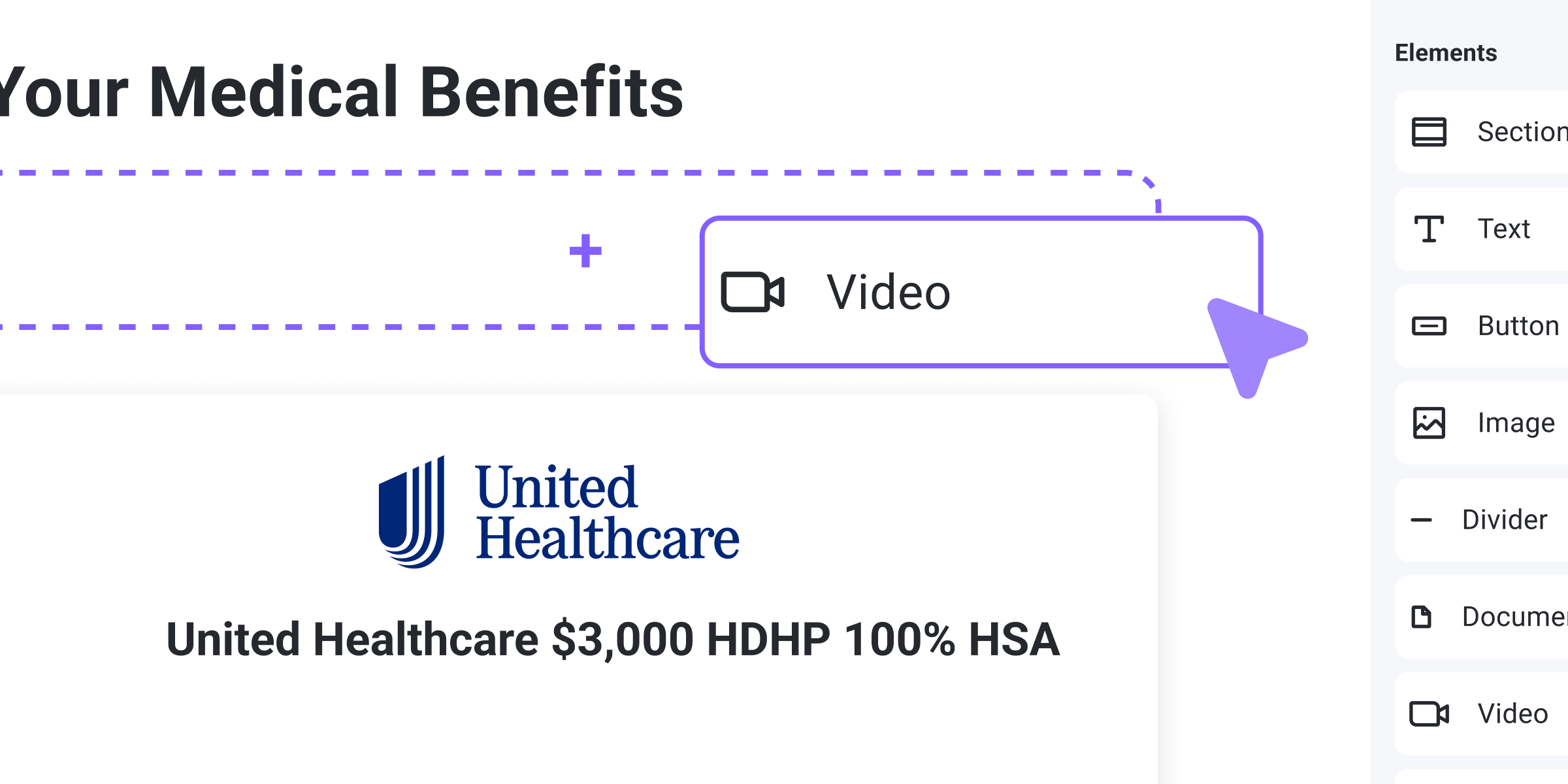
Drop in text, images, video and plan details to build a polished, mobile-friendly guide.
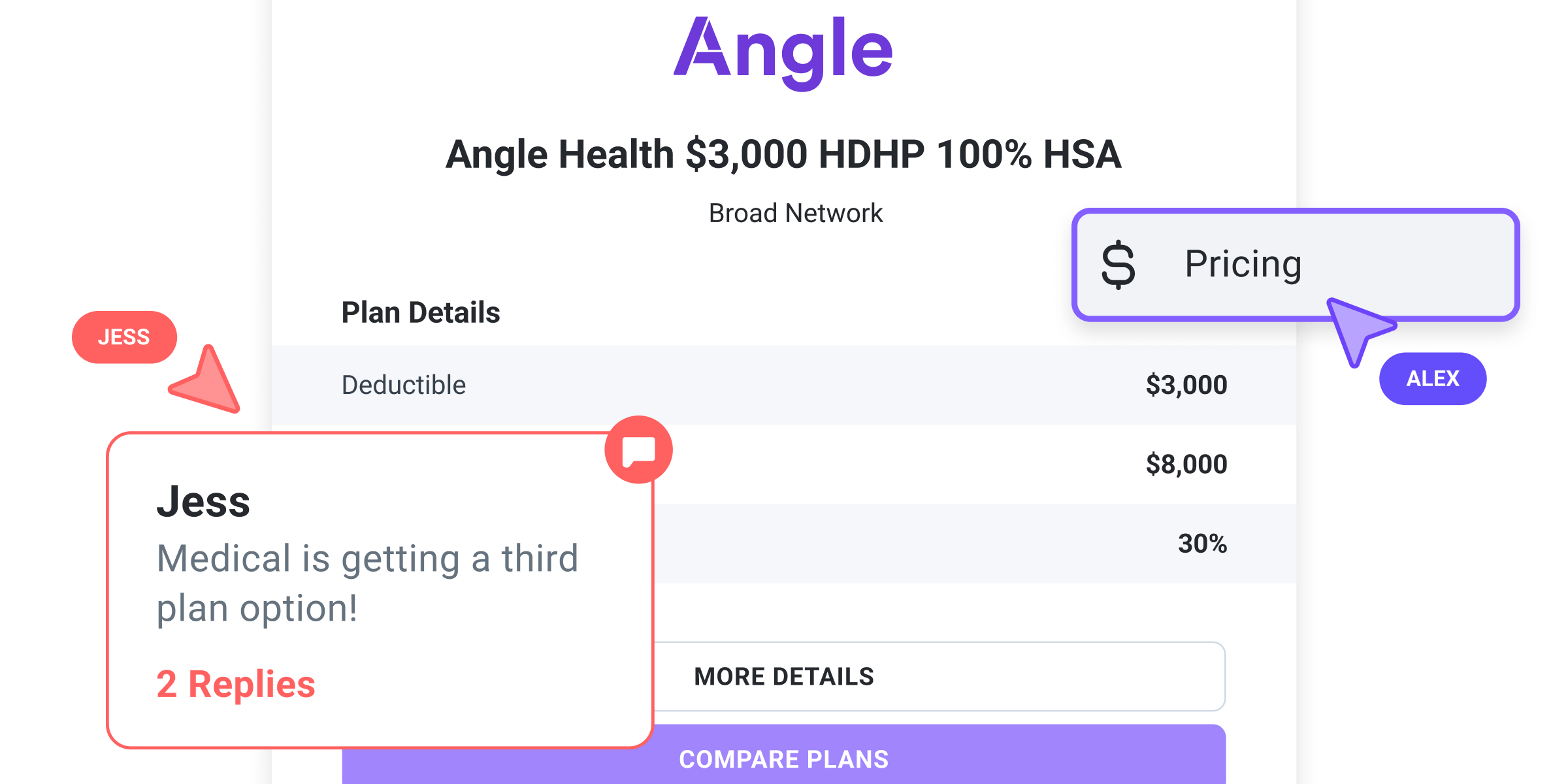
Teammates edit and comment in real time. Version history lets you compare updates and restore past versions.
Change a plan once. Guides, microsites and PDFs pull from the same benefits package, so a plan update shows up in all three.
Language translation
Every employee deserves to understand their benefits, whatever language they speak. Brite translates your guide in one click.
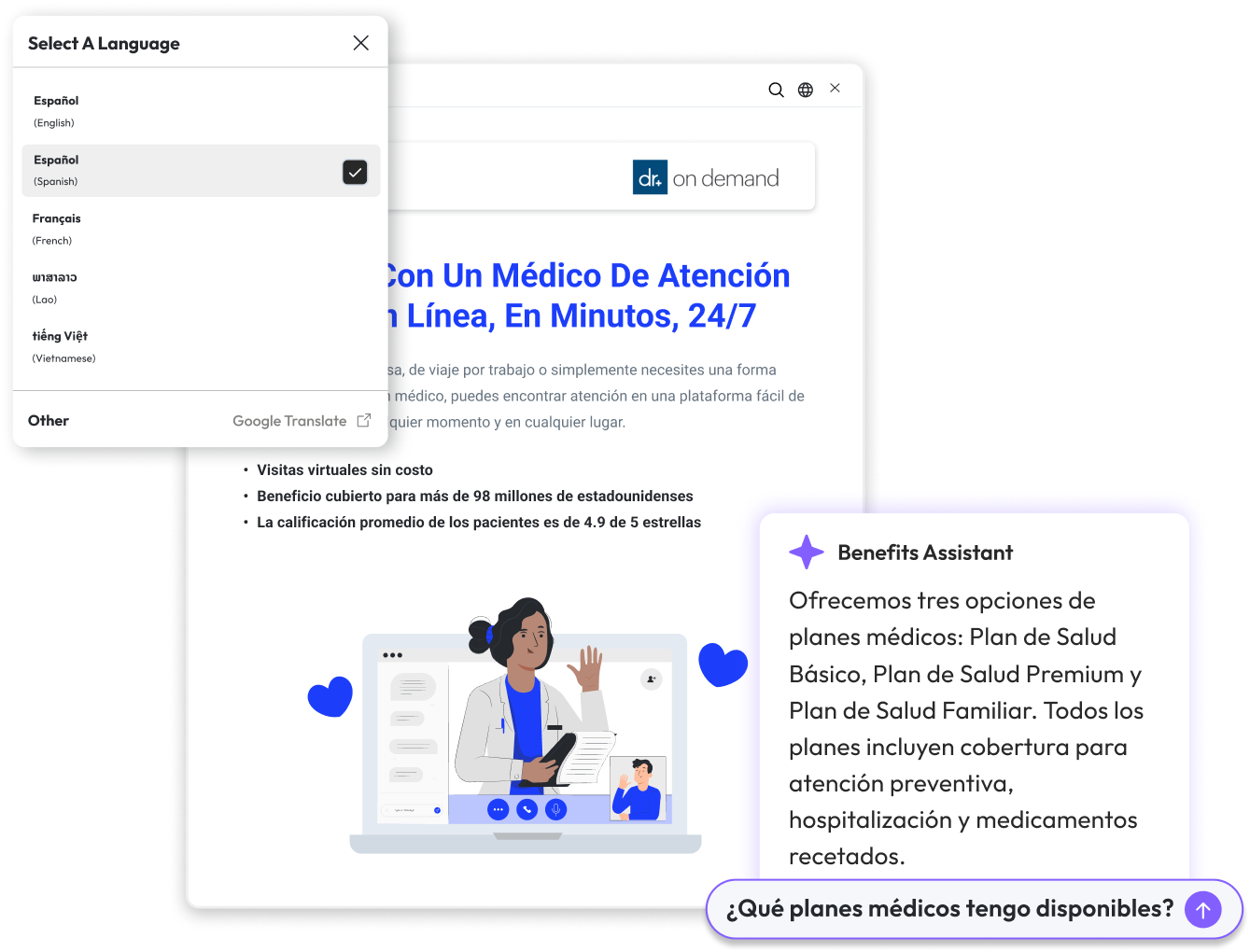
One-click translation into 100+ languages, with no manual work.
Every language stays consistent across digital guides and PDFs.
Translations look right on any device without breaking your layout or design.
Employees understand their benefits faster, so HR fields fewer follow-ups.
AI Benefits Assistant
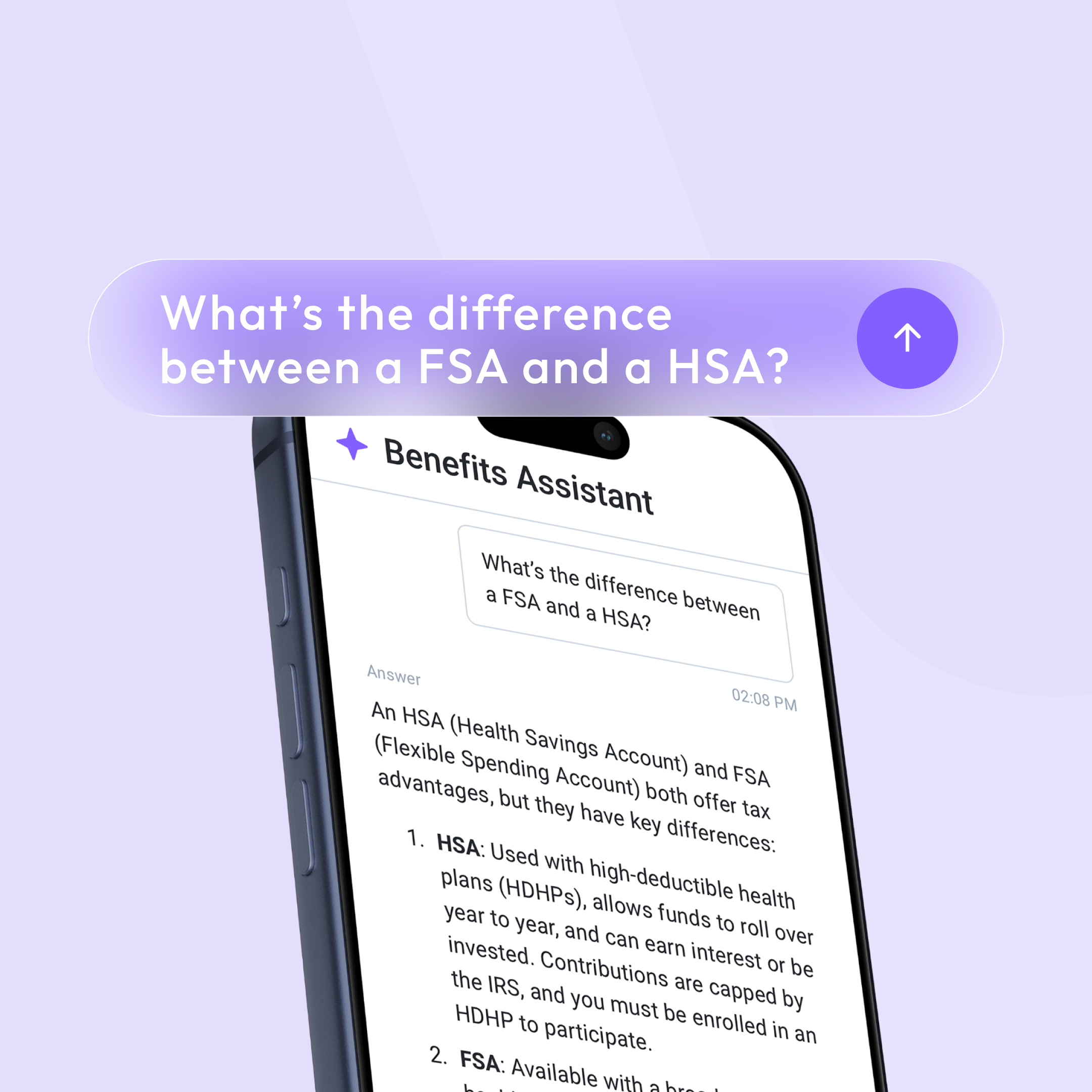
Every page has the AI Benefits Assistant built in. Employees ask a question in plain language and get an answer from your plan details, without leaving the guide.
Related features
Guides connect to the rest of Brite. Explore the features teams use most alongside them.
Turn a guide into a branded benefits site with its own navigation.
Design print-ready PDFs from the same guide, without InDesign.
Embed plan recommendations right inside the guide.
Send your guide by email, SMS, Slack and Teams, on a schedule.
FAQ
A digital, page-by-page Benefit Guide employees read during and after enrollment. It’s built in the Brite editor from your benefits package and works on any device.
Most teams start from a template and import their plan documents, so a guide takes around 45 minutes, not weeks.
Yes. Copy last year’s guide, connect the new benefits package and update what changed, instead of starting from scratch.
Plan details and comparisons from your benefits package, plus text, images, video, documents, buttons and links to outside websites, arranged into pages and sections.
No. Employees open the guide from a link or QR code on any device. You can add password protection to any guide.
See a real Brite guide, from plan documents to launch.
Book a demo