
Plan campaigns once, schedule them ahead of open enrollment and send by email, SMS, Slack and Teams. Then see who opened and clicked.
How it works
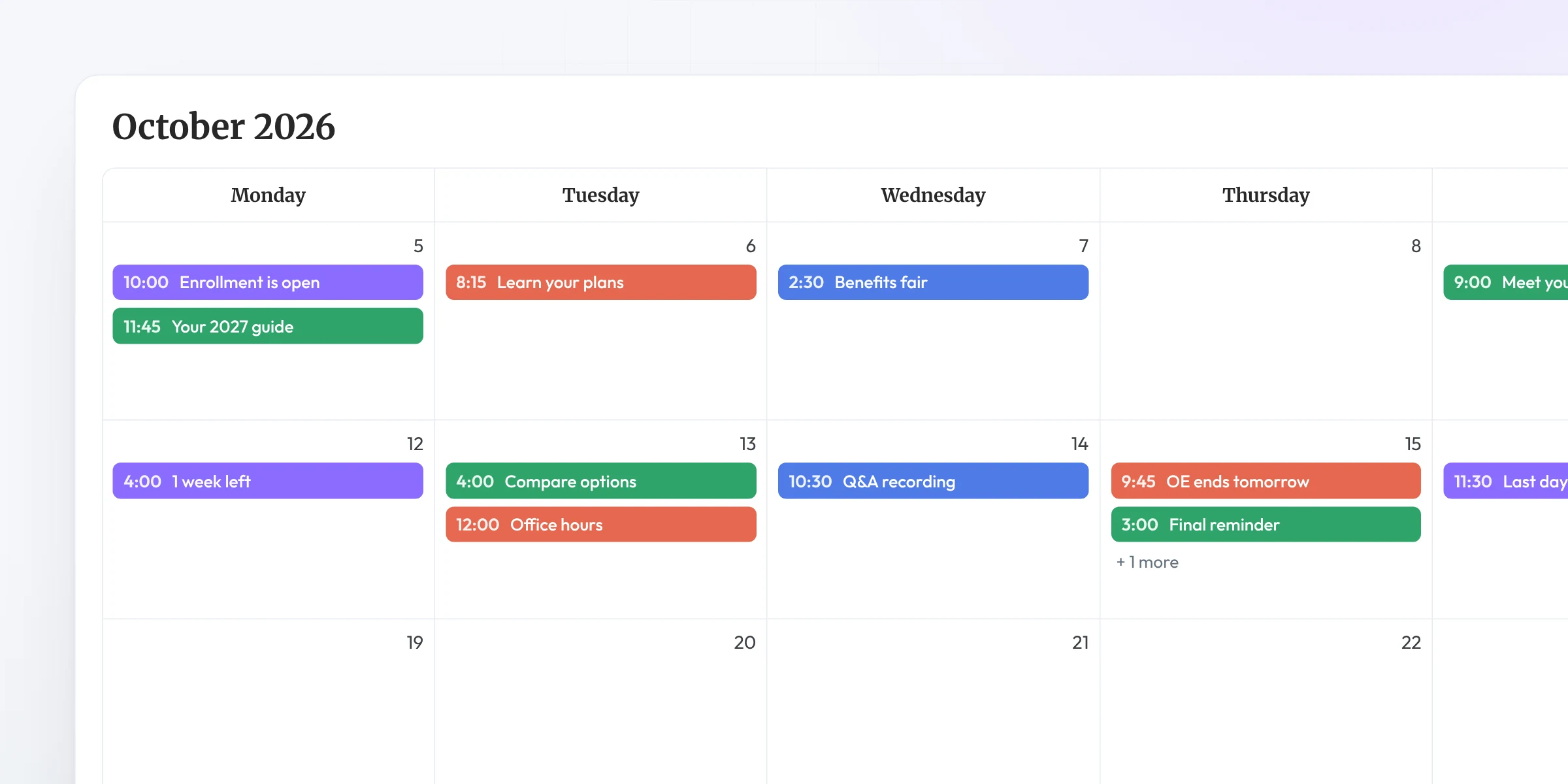
Build campaigns in Brite, schedule them before busy season and let them go out on their own.
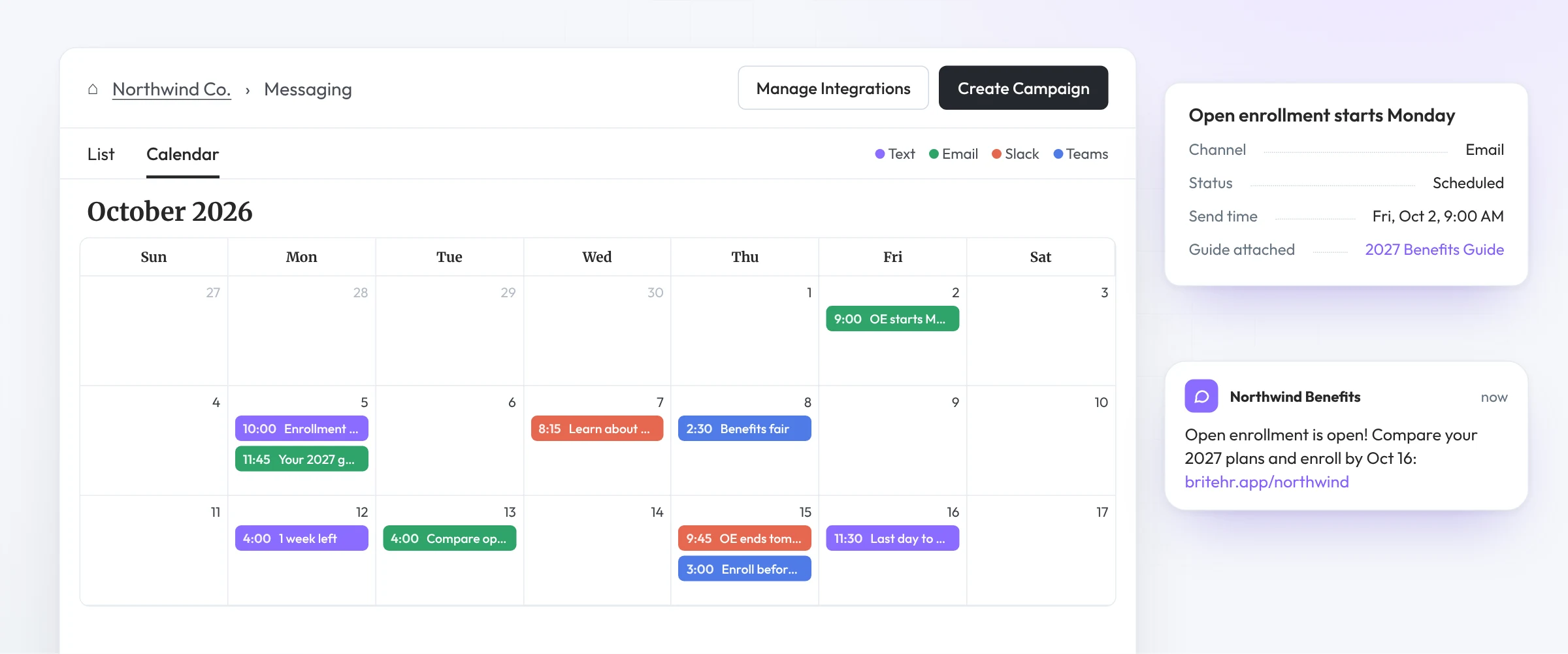
Plan campaigns on a calendar before open enrollment starts, then let them send automatically.
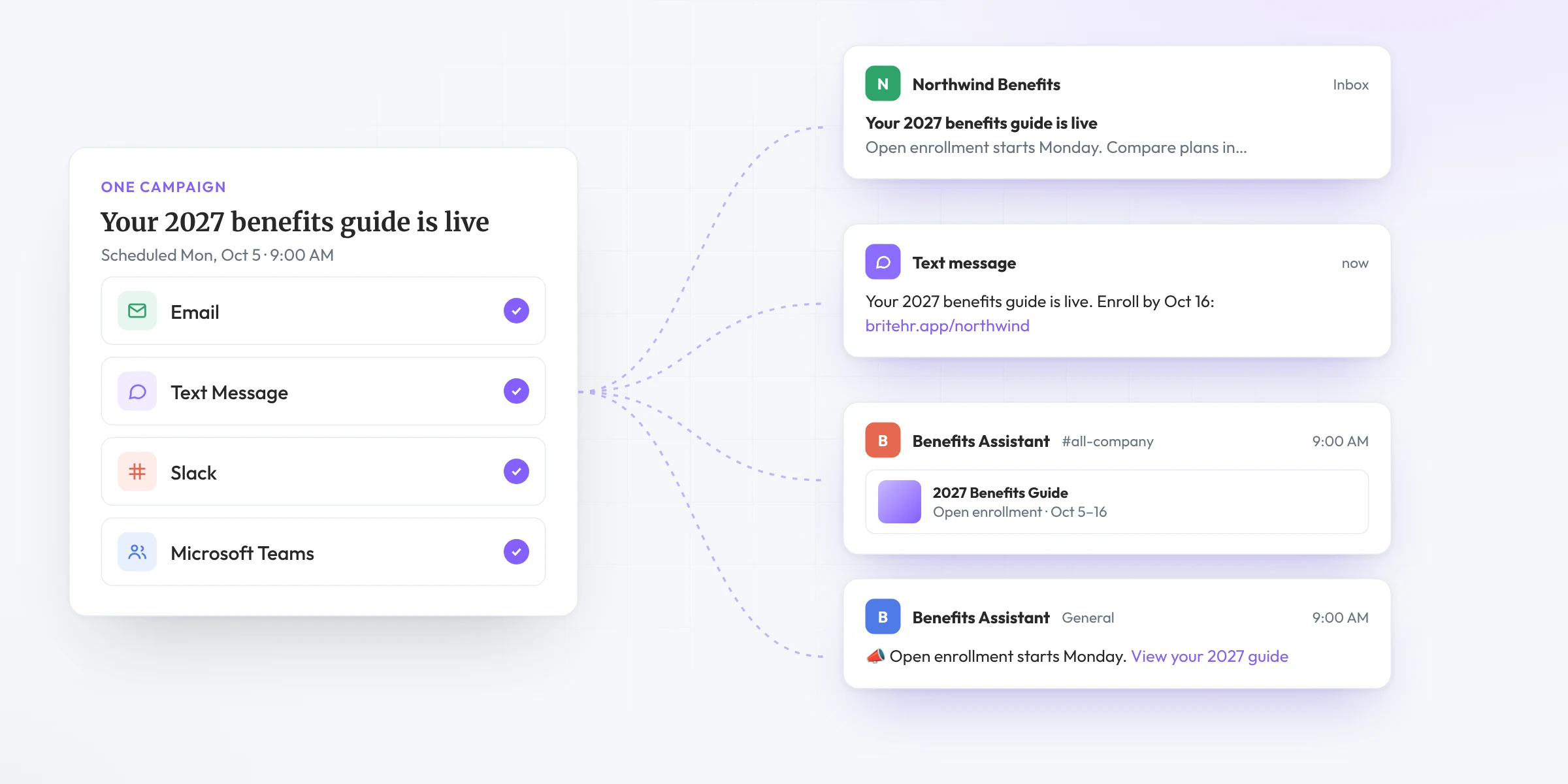
Reach employees on the channels they actually check, from one campaign.
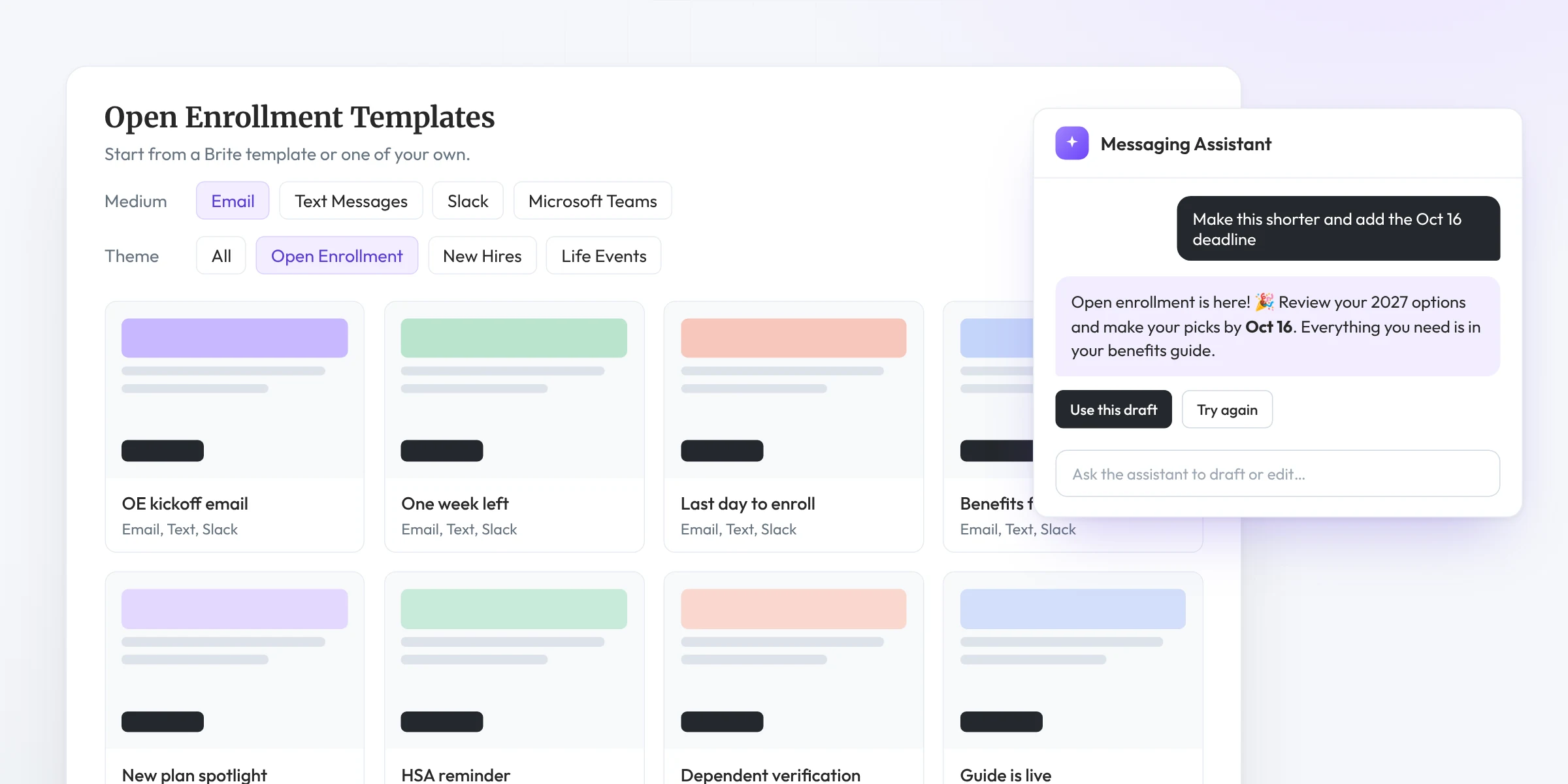
Start from ready-made templates or your own, and let Messaging Assistants help draft and polish the copy.
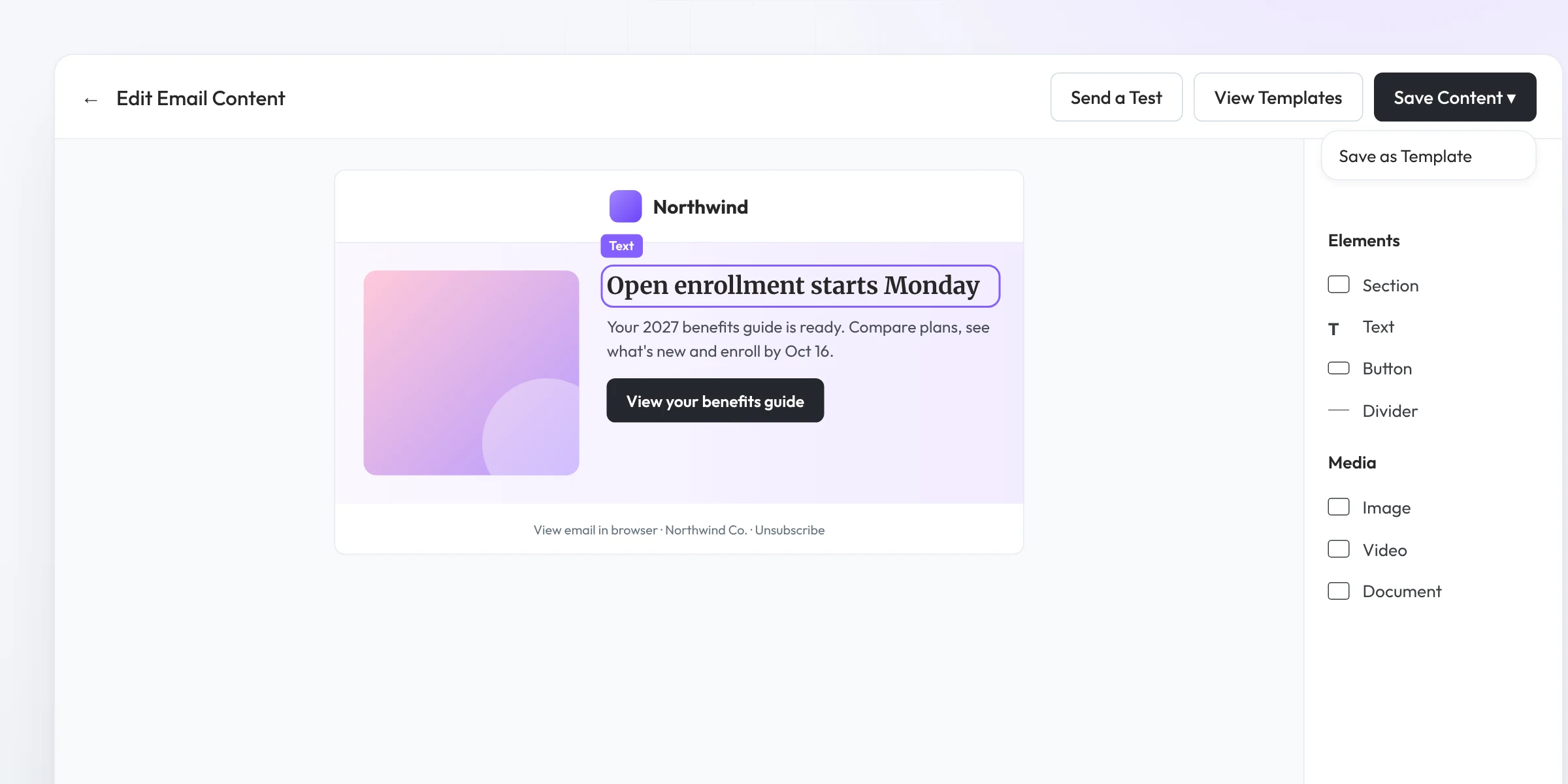
Design emails with text, images and buttons, send a test and save templates. No Mailchimp or Canva needed.
Benefit Guides
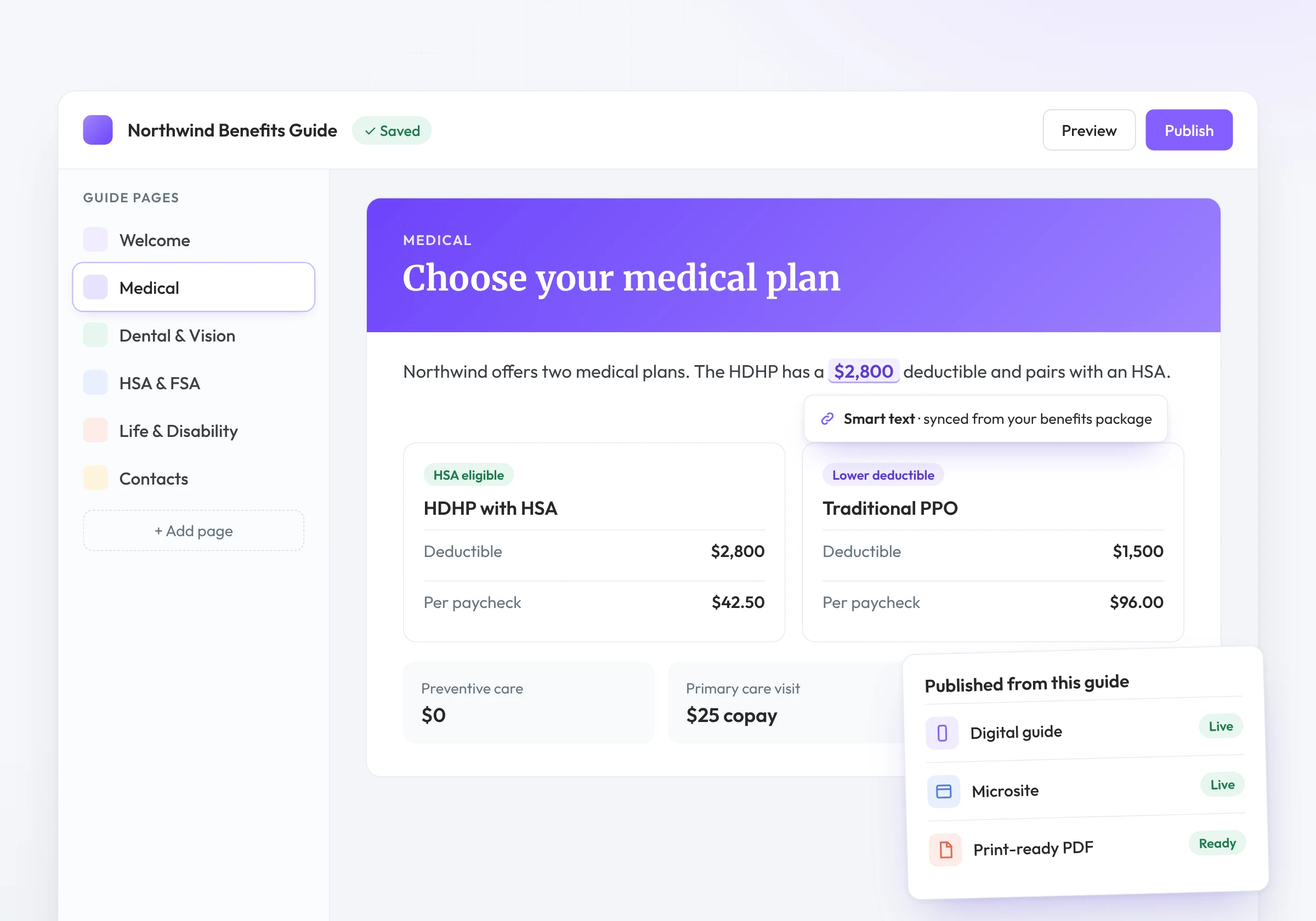
Campaigns send employees to your guide. Shareable links and QR codes fill the gaps, from break-room posters to new-hire packets.
Campaign performance
See how every campaign performed, down to the recipient.
See which messages reached each recipient.
Track opens and clicks for every completed campaign.
Find campaigns by status, channel or name.
Pair campaign results with guide analytics to see what employees read next.
Who it’s for
Plan and schedule campaigns across your book before busy season hits.
Schedule reminders once instead of chasing deadlines by hand.
A text, an email or a Slack message, with a link straight to their guide.
Related features
Messaging connects to the rest of Brite. Explore the features teams use alongside it.
Walk employees through enrollment page by page.
Give every campaign a year-round place to land.
Answers employee questions from your own benefits content.
See what employees read once the message gets them to the guide.
FAQ
Multi-channel benefits communication built into Brite. Plan campaigns once, schedule them ahead of open enrollment and send by email, SMS, Slack or Teams.
Email, SMS, Slack and Microsoft Teams. You can also share any guide or microsite by link or QR code.
Yes. Plan campaigns on a calendar before busy season and they send automatically.
No. The Brite Email Editor lets you design emails with text, images and buttons, send tests and save templates.
Yes. Completed campaigns show delivery status, opens and clicks by recipient.
Book a demo and see a campaign go from calendar to inbox.
Book a demo