
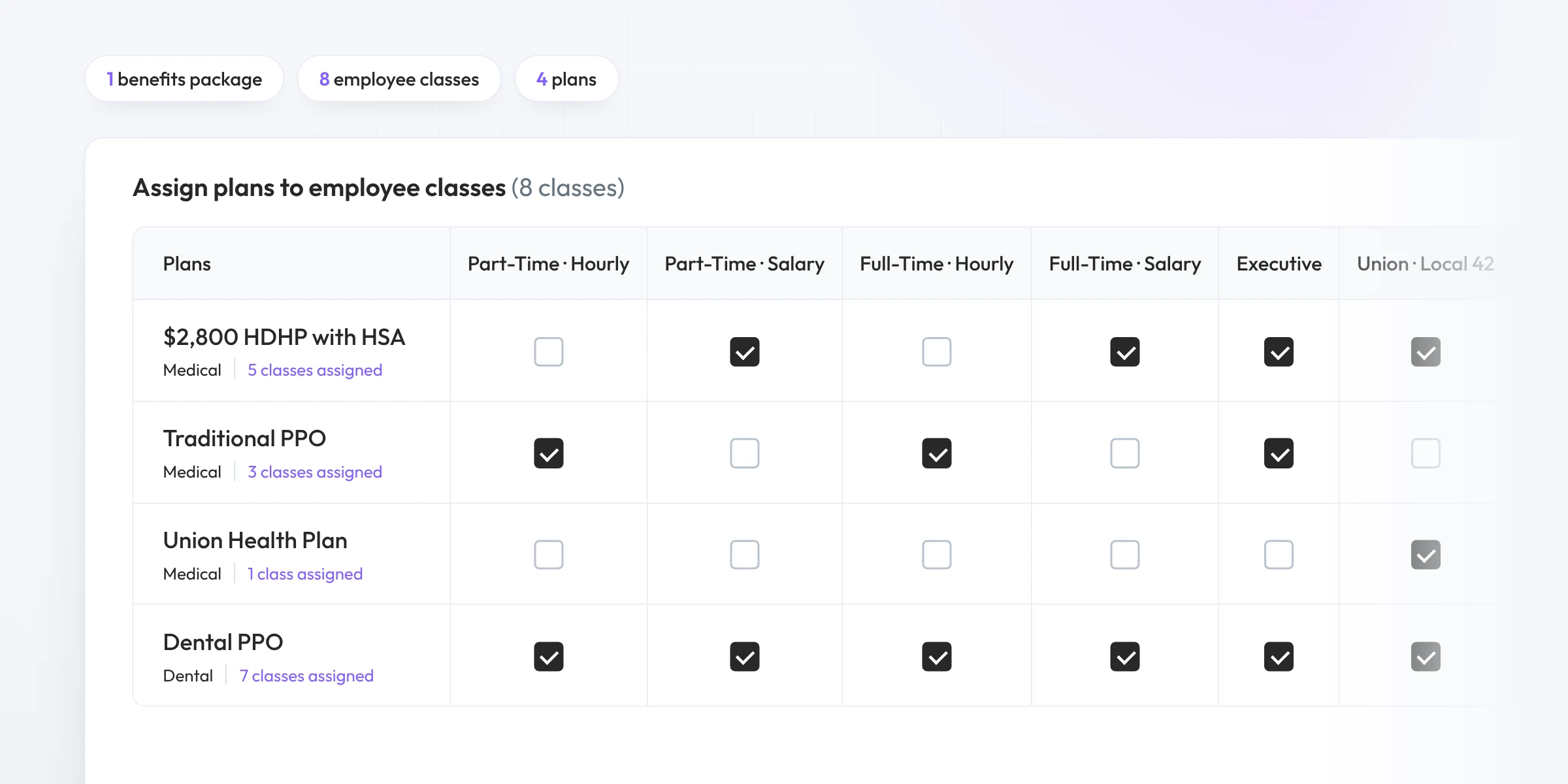
Define classes once, assign plans to each one and keep a single source of truth for the whole plan year. Update once and every class stays current.
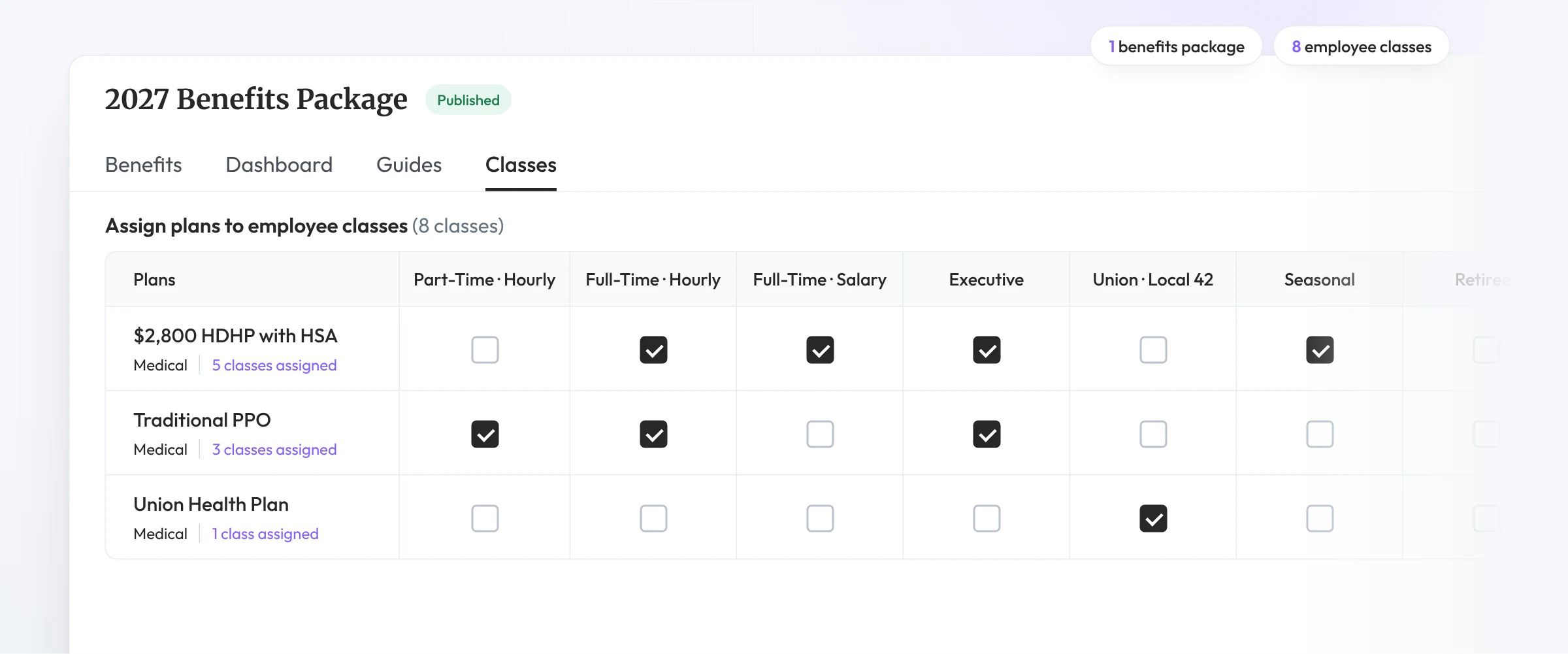
How it works
Define your classes, assign plans to them and let Brite handle the variations underneath. One package per plan year, however many classes, divisions or locations.
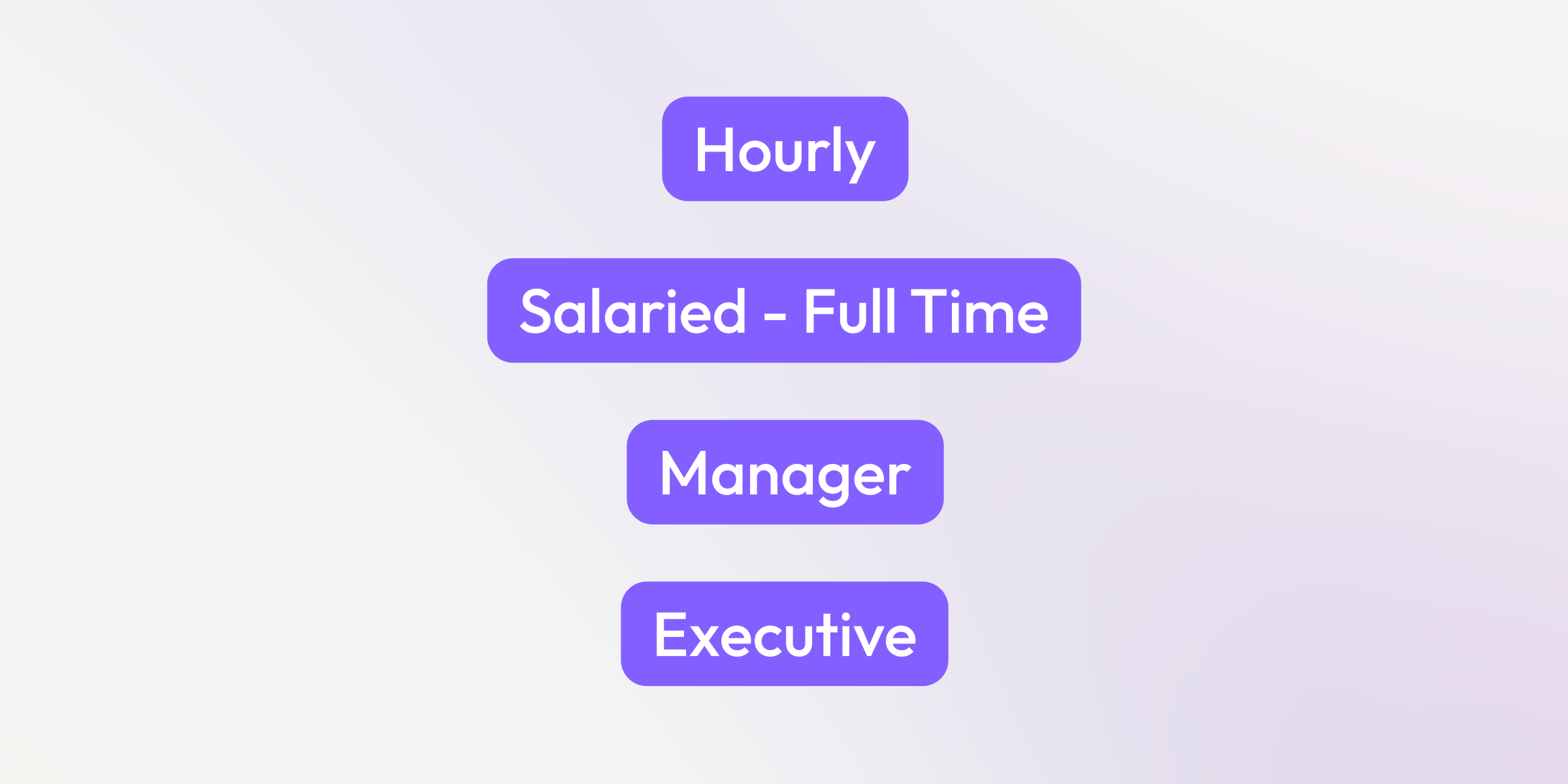
Set up each class in the Company Kit: hourly, salaried, executive, union, by state or by division.
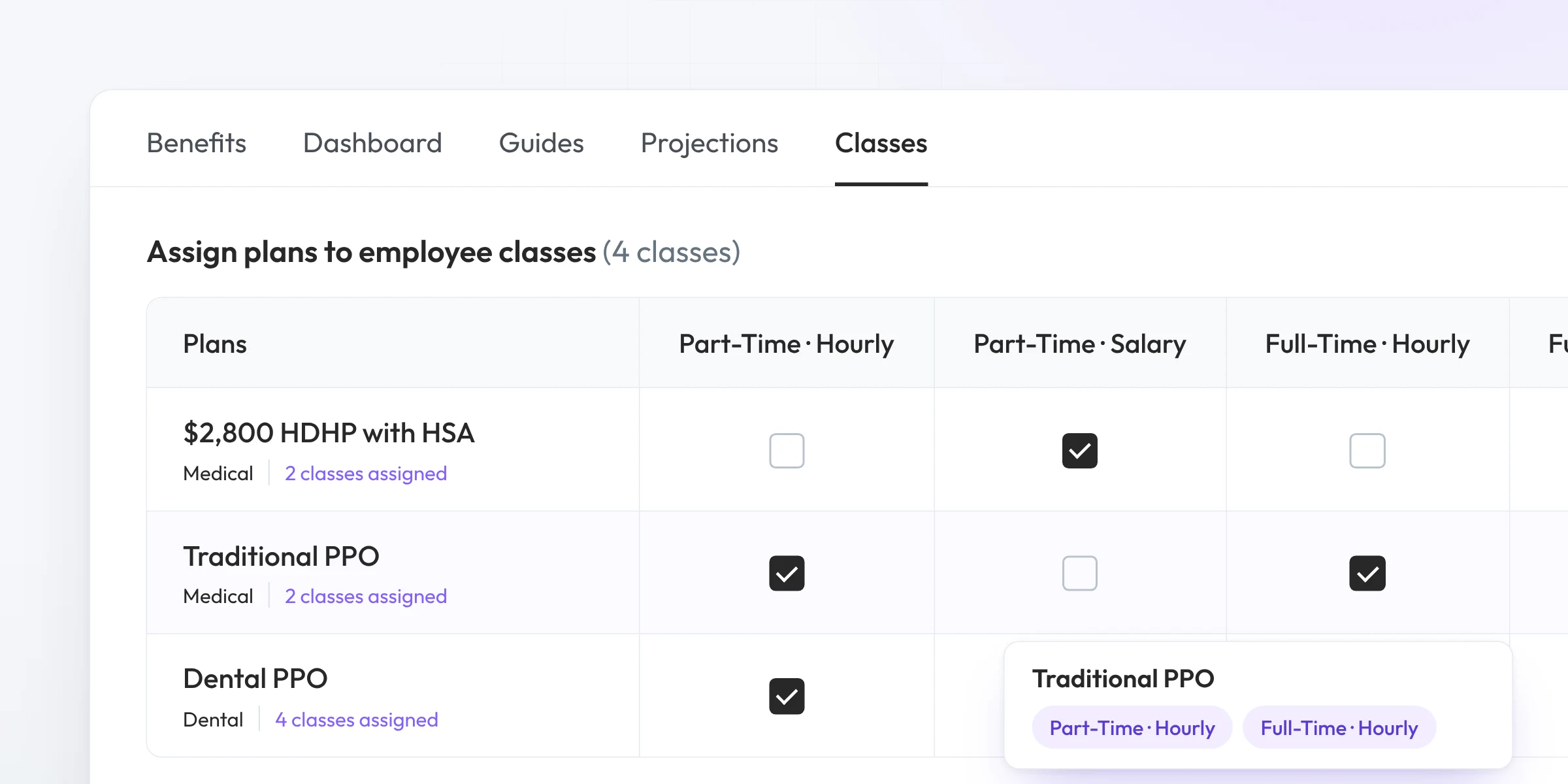
In the benefits package, assign plans to each class, or classes to each plan. Whichever way you think about it.
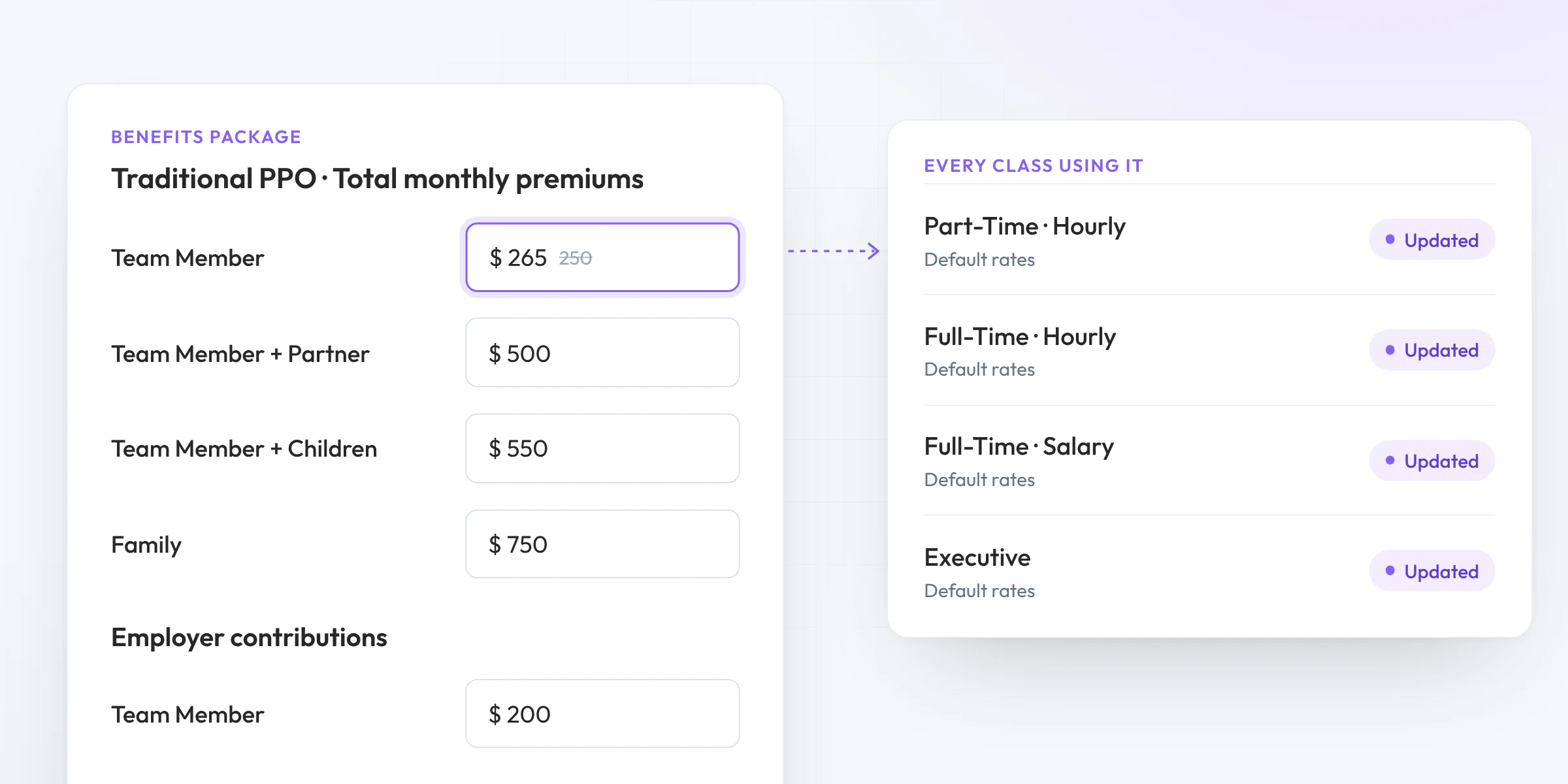
Change a plan or a rate in one place and every class that uses it stays current.
Our team can help migrate multi-class clients, including the ones you’ve been handling outside Brite.
Benefit Guides
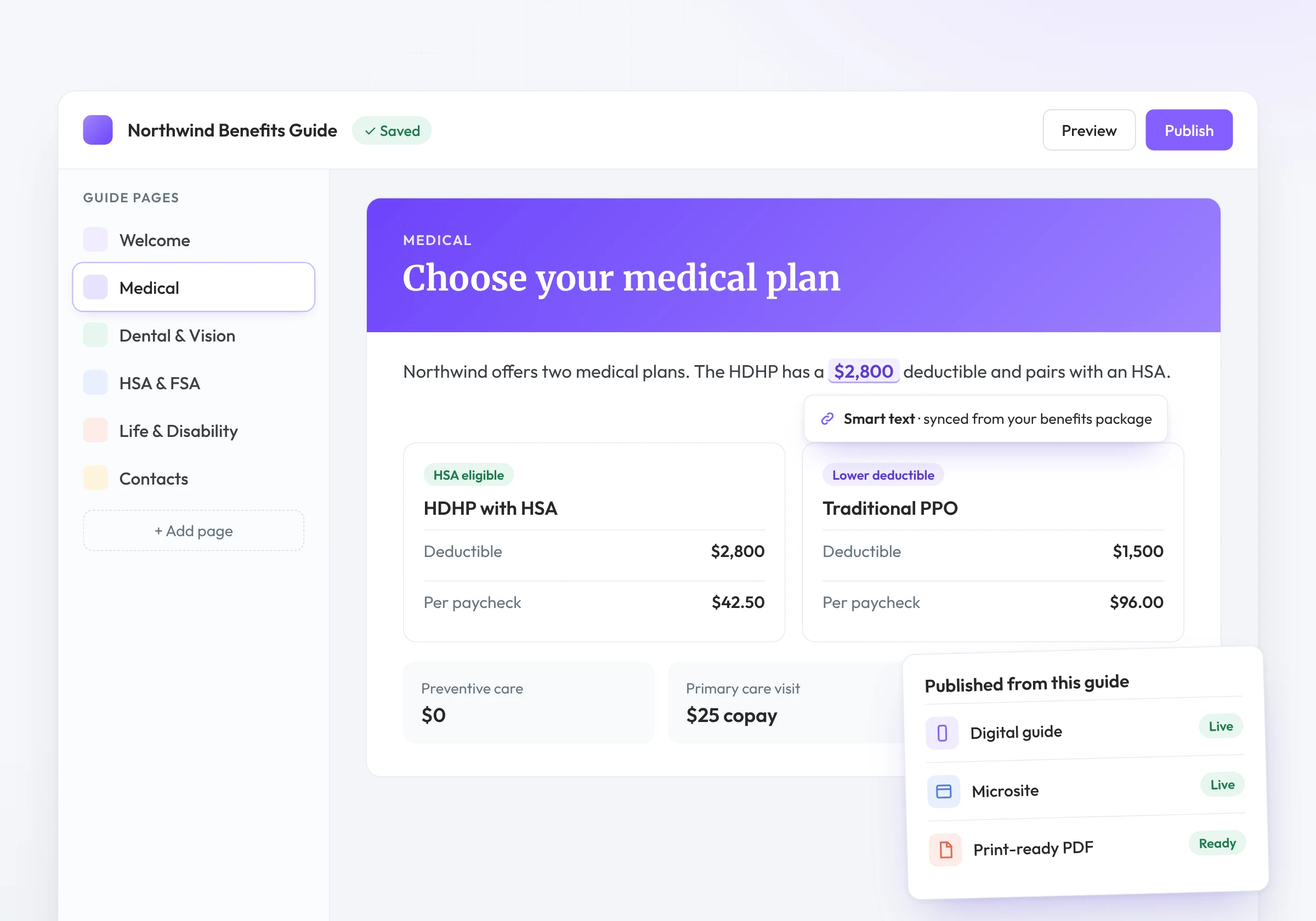
Send one link to the whole company. The guide works out who each employee is and shows them only what applies to them.
Related features
Classes carry through to the tools employees use to understand and choose their benefits.
Build guides from the class packages you set up once.
Plan recommendations that support employee classes.
Shows plan and cost details for the employee’s own class.
A year-round benefits hub built from the same package.
FAQ
One benefits package for the plan year that covers every employee class, division or location. Each class gets the plans assigned to it, and you maintain everything in one place.
In the Company Kit. Then, in the benefits package, you assign plans to each class or classes to each plan.
Yes. Send one link. Employees pick their group or enter a passcode, then see the plans, rates and pages for their class.
No. One package supports any number of classes, divisions or locations.
Yes. Talk to your customer success manager about migrating multi-class clients, including ones you’ve been handling outside Brite.
See how Brite handles every class from a single benefits package.
Book a demo